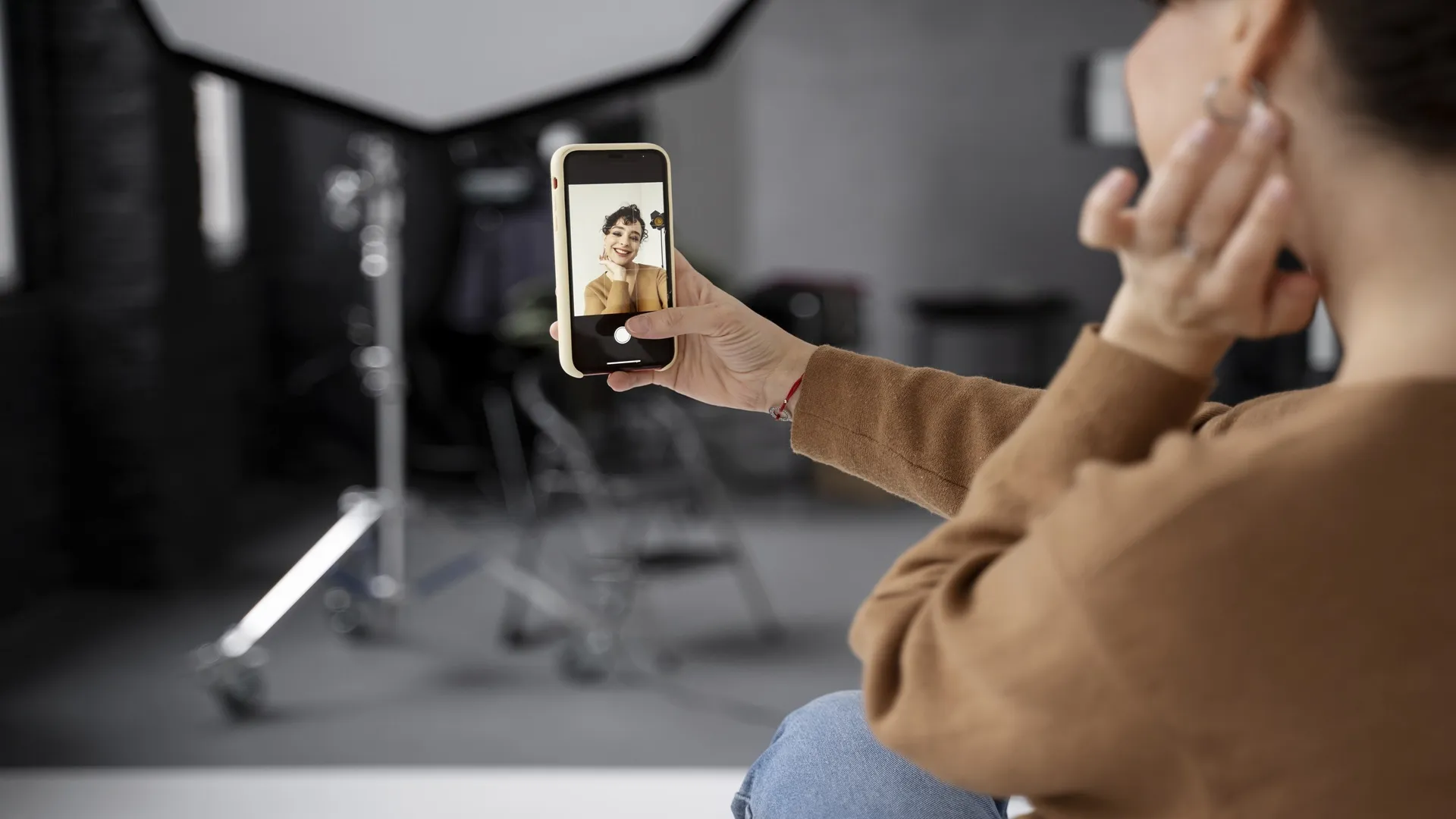

In the digital age, your profile picture acts as a virtual handshake. It is often the very first point of contact between you and potential employers, clients, or collaborators. While professional photography can be an expensive and time-consuming investment, modern technology offers a sophisticated alternative. An AI profile photo editor allows users to transform casual snapshots into high-quality portraits that maintain a sense of authenticity while adhering to professional aesthetic standards.
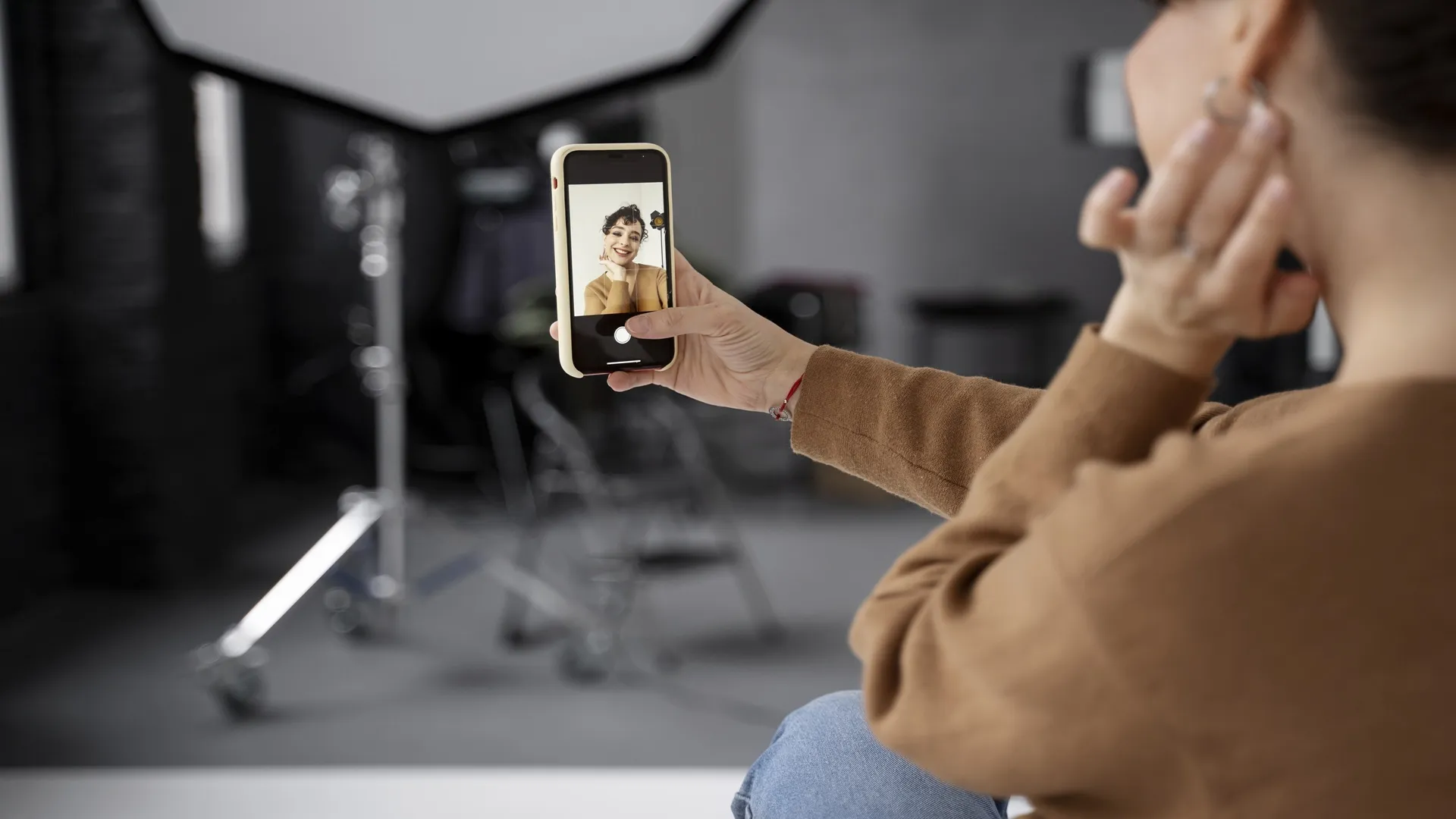
The Evolution of Portraiture: Why Use an AI Profile Photo Editor?
Digital identity has become a cornerstone of modern networking. Traditionally, achieving a studio-quality look required expensive lenses and expert lighting. However, a modern AI profile photo editor utilizes deep learning algorithms to analyze facial structures and lighting conditions automatically. Instead of applying generic filters, these tools recognize the unique geometry of a user's face, allowing for adjustments that look natural rather than artificial. This evolution in photo editing democratizes high-end photography, making professional-grade results accessible to anyone with a smartphone.
Enhancing Clarity and Composition with an AI Profile Photo Editor
One of the primary challenges of DIY portraits is poor lighting or distracting backgrounds. An AI profile photo editor addresses these issues by offering features like "intelligent relighting" and "background segmentation." Relighting technology can simulate a professional softbox, casting a gentle glow on the face even if the original photo was taken in a dim environment. Furthermore, the ability to subtly blur or replace a cluttered background ensures that the focus remains entirely on the subject, which is essential for a clean and effective profile image.
Maintaining Authenticity in Digital Retouching
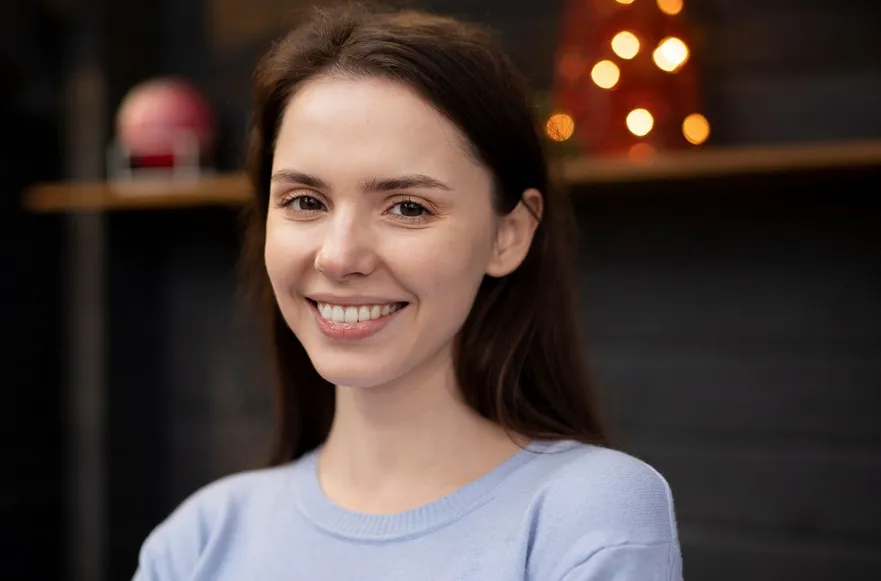
The goal of high-quality editing is not to change how a person looks, but to present them in the best possible light. A sophisticated AI profile photo editor excels at preserving skin texture and facial character. It focuses on corrective measures—such as removing temporary blemishes, reducing redness, or neutralizing harsh shadows—rather than creating an unrealistic "plastic" effect. By maintaining the intricate details of the eyes and skin, the AI ensures that the final result is a polished version of the user that still looks like them in real life.
Practical Steps for Better Results with an AI Profile Photo Editor
To get the most out of your editing software, start with a photo that has decent focus and resolution. Once uploaded to an AI profile photo editor, begin by adjusting the global exposure and color balance to set a solid foundation. Next, use targeted tools to enhance specific features, such as brightening the smile or sharpening the eyes for a more engaging look. Finalizing the process with a slight crop to center the face will ensure the image is optimized for the small, circular frames used by most social and professional platforms today.









Sign in to leave a comment.