
📈 Introduction
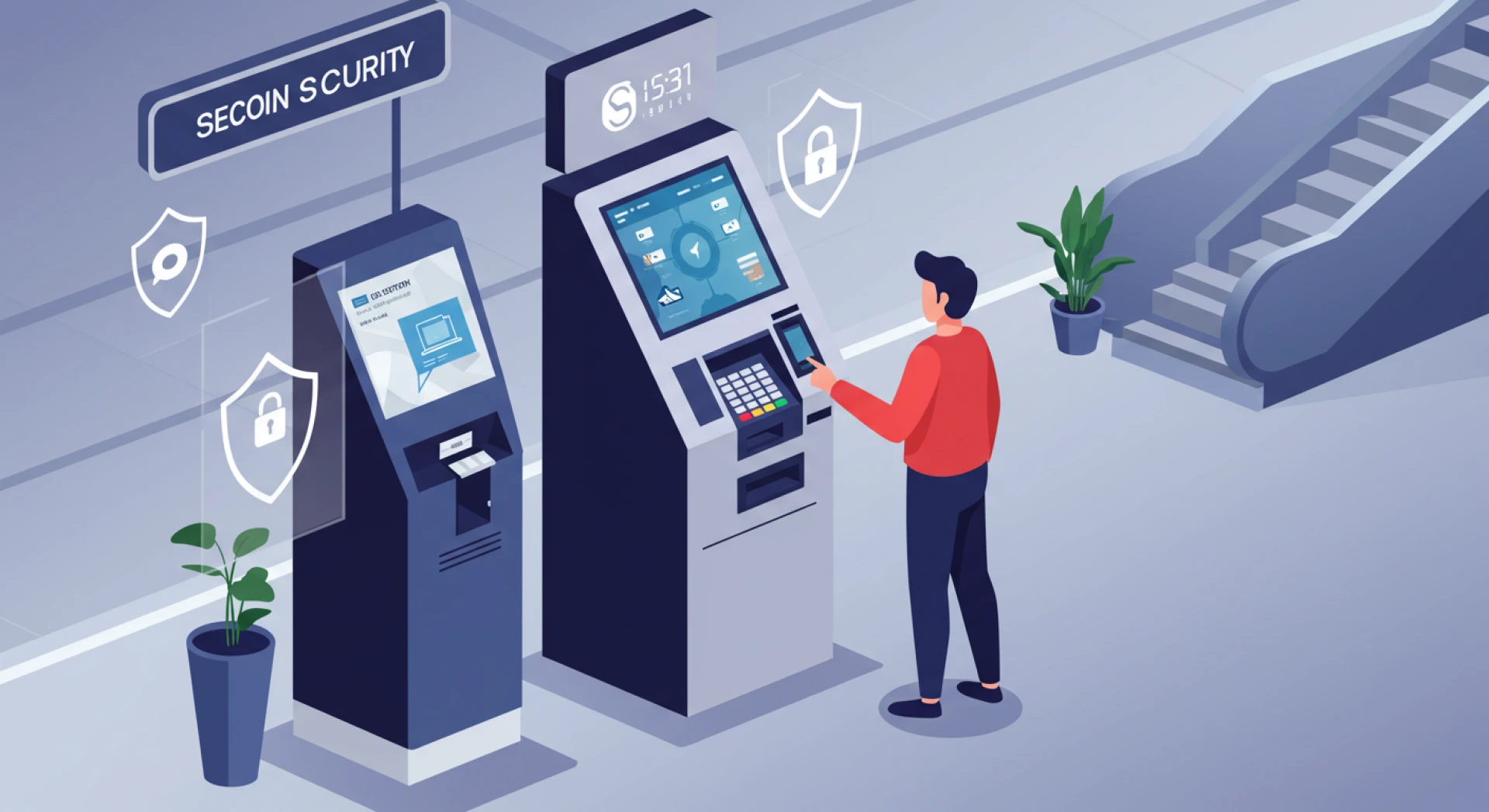
With the ever-growing need for secure, streamlined, and efficient systems in business, education, and public use, Windows lockdown software has emerged as a critical tool. Designed to transform a regular Windows system into a single-purpose machine, this software underpins the functionality of Windows 11 Kiosk Mode. This article dives deep into the topic, answering common queries and exploring the why, how, and what of lockdown solutions on Windows systems.
Why Do We Need a Windows 11 Kiosk Mode?
💻 Minimizing User Errors
- Restricts users to predefined applications or tasks.
- Reduces accidental system changes or application misuse.
🔒 Enhanced Security
- Prevents unauthorized access, malware, or accidental downloads.
- Limits functionalities to essential operations only.
⚡ Streamlining Operations
- Dedicated systems perform faster and more reliably.
- Eliminates unnecessary software and user-installed applications.
Is Windows Kiosk Software Secure?
✔️ Restricted Access
Users can only access the applications specified, preventing unauthorized actions.
🛡️ Tamper Prevention
Prevents users from exiting the designated environment, ensuring tamper-proof operation.
🔄 Automatic Updates and Maintenance
Receives critical security updates without exposing the system to risks.
⚙️ Customizable Permissions
Allows IT administrators to fine-tune permissions for essential capabilities.
What Are the Benefits of Using Windows Kiosk Mode?
🌟 Enhanced User Experience
Focuses on a single purpose, creating a distraction-free environment.
💰 Cost Efficiency
Reduces manual oversight and troubleshooting, saving time and resources.
🚀 Improved System Performance
Maximizes speed and reliability by eliminating unnecessary background applications.
🎨 Customization Options
Allows businesses to tailor the system’s look, feel, and functionality.
📡 Remote Management
Integrates with tools like Microsoft Endpoint Manager for centralized oversight.
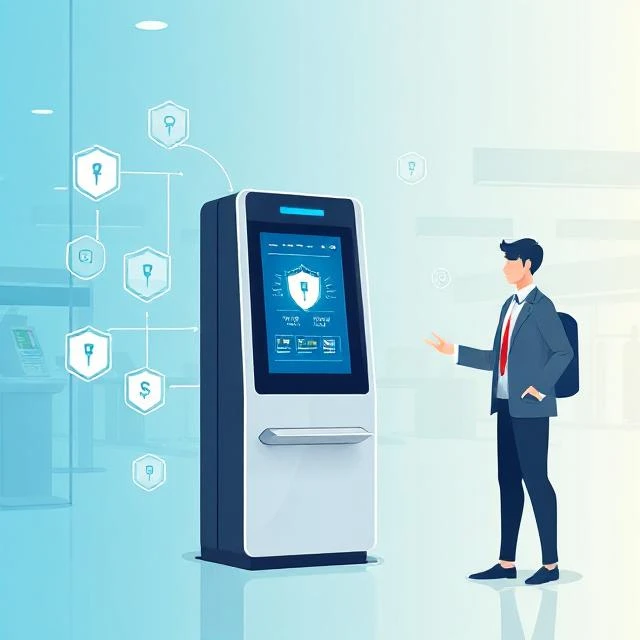
How Does Windows Kiosk Software Work?
🛠️ Setup and Configuration
- Configure through Windows Settings, PowerShell, or Group Policy.
- Choose between Single-App Mode or Multi-App Mode.
👤 User Profiles
- Operates on a dedicated user account for a streamlined experience.
📱 Application Restriction
- Single-App Mode runs one app full-screen.
- Multi-App Mode allows switching between predefined applications.
🔒 Lockdown Features
Disables system functions like task switching or accessing settings.
📡 Remote Monitoring and Updates
Uses tools like Microsoft Intune for remote management and updates.
Does Windows 11 Have a Kiosk Mode?
Yes! Windows 11 includes a Kiosk Mode as a native feature. Here’s how to enable it:
⚙️ Access Settings
- Navigate to Settings > Accounts > Family & other users.
- Under “Set up a kiosk,” select Assigned access.
📦 Choose Your Kiosk App
- Decide between Single-App or Multi-App Mode.
👤 Configure User Account
- Assign a local account to run the kiosk.
🧪 Finalize Settings
- Define the app(s) and test the functionality to ensure smooth operation.
Real-World Use Cases for Windows Kiosk Software
🏪 Retail and Hospitality
- Self-service checkout counters.
- Customer feedback terminals.
🎓 Education
- Exam terminals.
- Learning resource stations.
🏥 Healthcare
- Patient check-in kiosks.
- Information systems in hospitals.
🌍 Public Services
- Wayfinding kiosks in airports or malls.
- Ticketing systems.
Conclusion
Windows Lockdown Software and the integrated Windows 11 Kiosk Mode provide a robust solution for secure, efficient, and purpose-driven systems. Whether managing a single kiosk or hundreds of devices, the benefits—enhanced security, streamlined operations, and improved user experience—are undeniable.
Ready to elevate your organization’s tech capabilities? Windows Kiosk Mode offers the perfect balance of simplicity and power for today’s fast-paced and security-conscious environments.









Sign in to leave a comment.