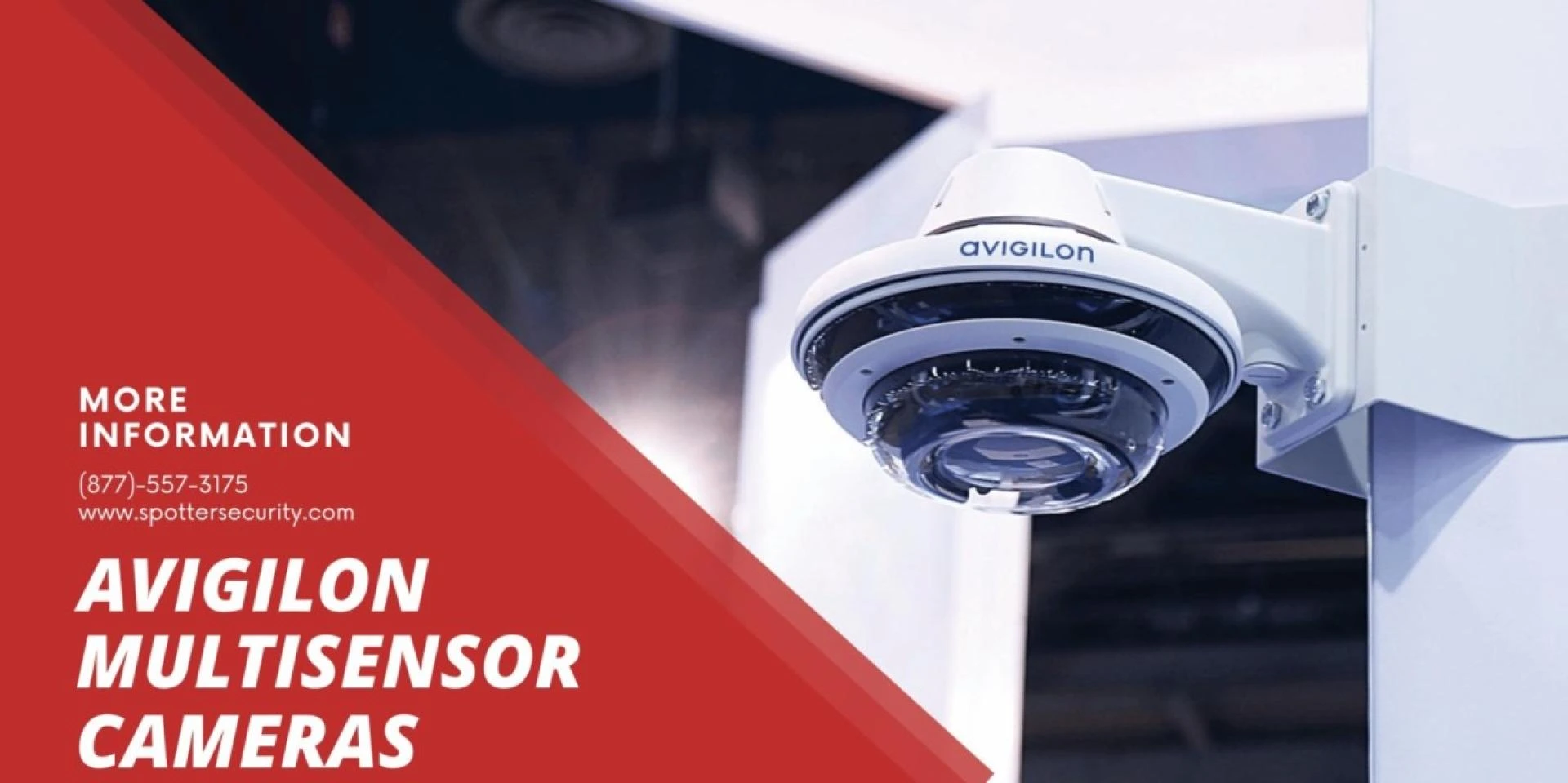

If you own an Avigilon multisensor camera, you have made an excellent investment in surveillance technology. These cameras provide high-quality images and have a variety of features that can help you monitor your property effectively. However, like any other device, your Avigilon multisensor camera needs proper maintenance to function at its best.
In this article, we will discuss the essential steps you need to take to keep your Avigilon multisensor camera in top shape.
Understand Your Avigilon Multisensor Camera
Before you begin the maintenance process, it is essential to understand your Avigilon multisensor camera's features and capabilities. You need to be aware of its capabilities, such as motion detection, night vision, and zoom functions. Additionally, you should know the type of lens and sensor in your camera to understand how to keep it clean.
Clean Your Camera Lenses
Your Avigilon multisensor camera lenses can collect dirt, dust, and fingerprints, which can affect the image quality. Therefore, it is crucial to clean your camera lenses regularly. You can use a microfiber cloth to wipe the lens gently. Avoid using cleaning solutions or chemicals as they can damage the lens coating.
Check Your Camera Mounts
Your camera mounts are essential components that hold your camera in place. They ensure that your camera stays stable and captures clear images. You need to inspect your mounts regularly to ensure that they are secure and free of rust and corrosion. You should also check the alignment of the camera to ensure that it covers the desired area.
Use Avigilon Camera Configuration Tool
The Avigilon camera configuration tool is a software tool that allows you to manage and configure your Avigilon multisensor cameras. It provides you with various features such as camera alignment, video analytics, and firmware updates. You should use this tool to ensure that your camera is working correctly and is up-to-date.
Check Your Camera Connections
Your camera connections include power cables, Ethernet cables, and other cables that connect your camera to the network. You need to check these connections regularly to ensure that they are secure and free of damage. Loose or damaged cables can affect the camera's performance and image quality.
Upgrade Your Camera Firmware
Avigilon frequently releases firmware updates that improve camera performance, fix bugs, and add new features. You should upgrade your camera firmware regularly to ensure that your camera is working correctly and is up-to-date.
Test Your Camera
You should test your Avigilon multisensor camera regularly to ensure that it is functioning correctly. You can use the Avigilon camera testing tool to verify that your camera is capturing clear images, and the motion detection is working correctly.
Check the Camera Housing
The camera housing protects your Avigilon multisensor camera from external factors such as weather conditions and vandalism. You should inspect your camera housing regularly to ensure that it is free of damage and is properly sealed. You should also check for any cracks, scratches, or damage that may affect the camera's performance.
Ensure Proper Power Supply
Your Avigilon multisensor camera needs a reliable power supply to function correctly. You should ensure that your camera is connected to a stable power source and that the power cable is free of damage. You should also check the power consumption of your camera to ensure that it is compatible with the power supply.
Contact Avigilon Technical Support
If you experience any issues with your Avigilon multisensor camera, you can contact Avigilon technical support for assistance. They provide excellent customer service and can help you troubleshoot any issues that you may have with your camera. You can contact them through their website or by phone.
Conclusion
keeping your Avigilon multisensor camera in top shape requires regular maintenance and attention. By following the steps outlined in this article, you can ensure that your camera is functioning correctly, capturing clear images, and providing you with the best surveillance experience. Remember to clean your camera lenses, check your camera mounts, use the Avigilon camera configuration tool, check your camera connections, upgrade your camera firmware, test your camera, check the camera housing, ensure proper power supply, and contact Avigilon technical support if you need assistance.











Sign in to leave a comment.