
Introduction
For years, creating tutorial videos followed the same playbook:
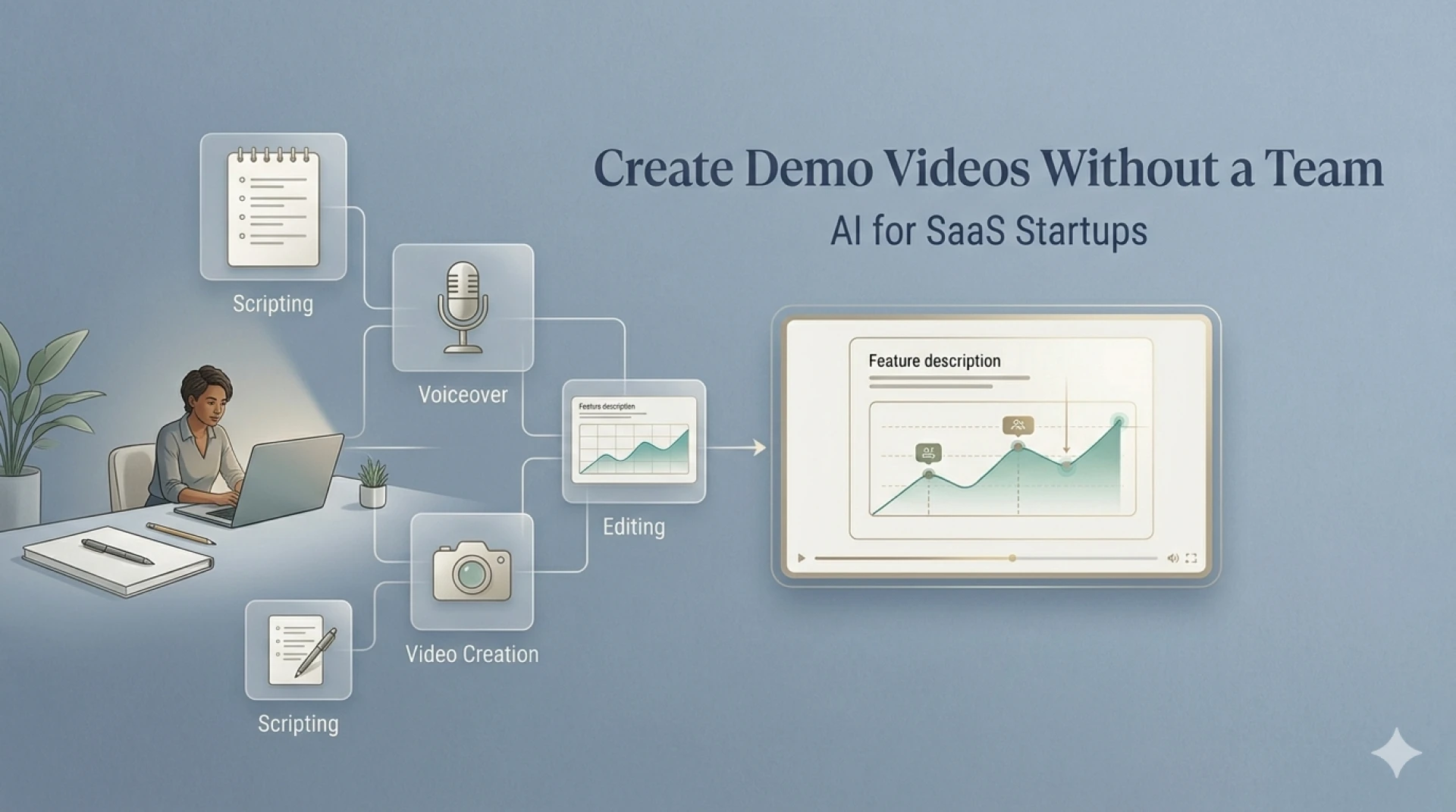
Write a script → record voiceover → edit everything together.
It works—but it’s slow.
So I wanted to test something different:
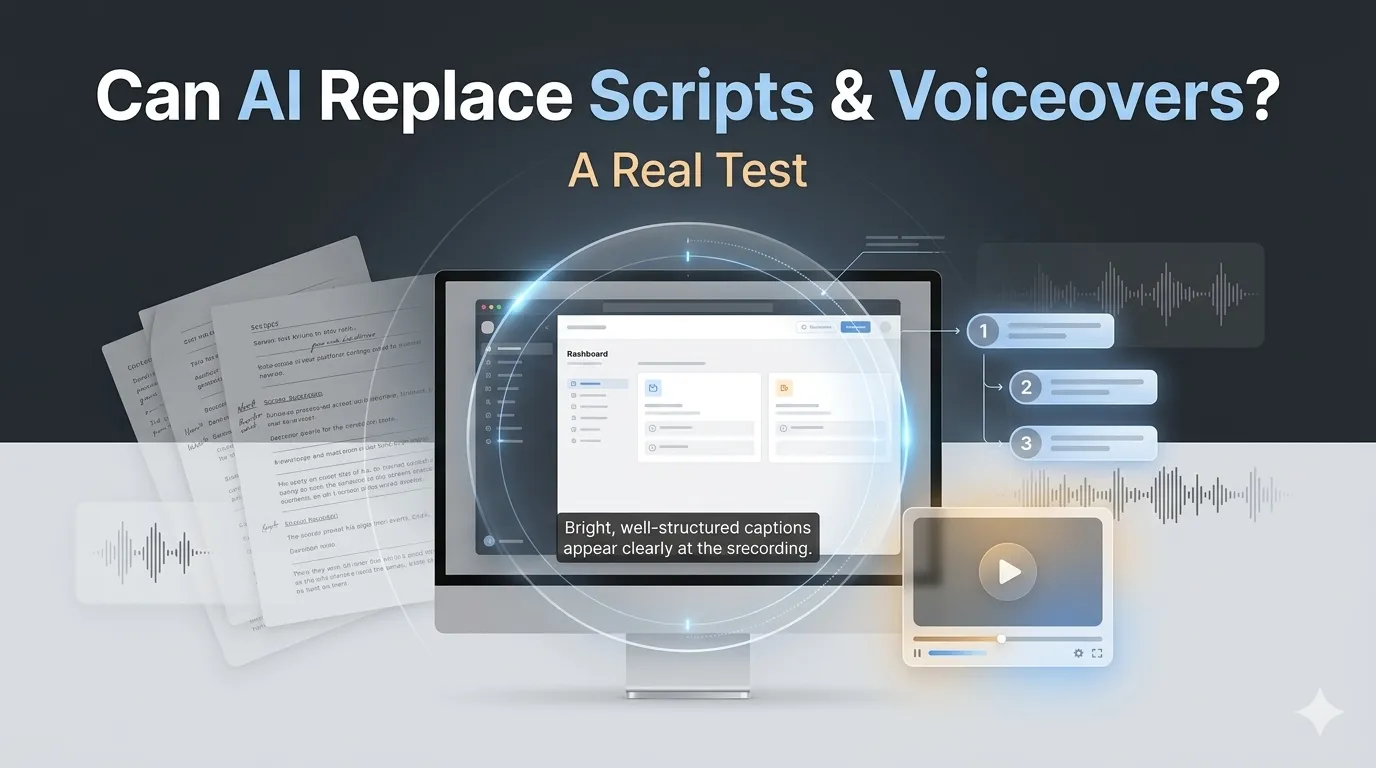
Can an AI screen recorder completely replace script writing and voiceovers?
Using a tool like VideoMule.ai, I recorded a simple product walkthrough—with no script and no audio.
What happened next was surprisingly close to a finished tutorial video.
Here’s the full breakdown.
The Experiment Setup
To keep things realistic, I followed a simple rule:
No preparation at all.
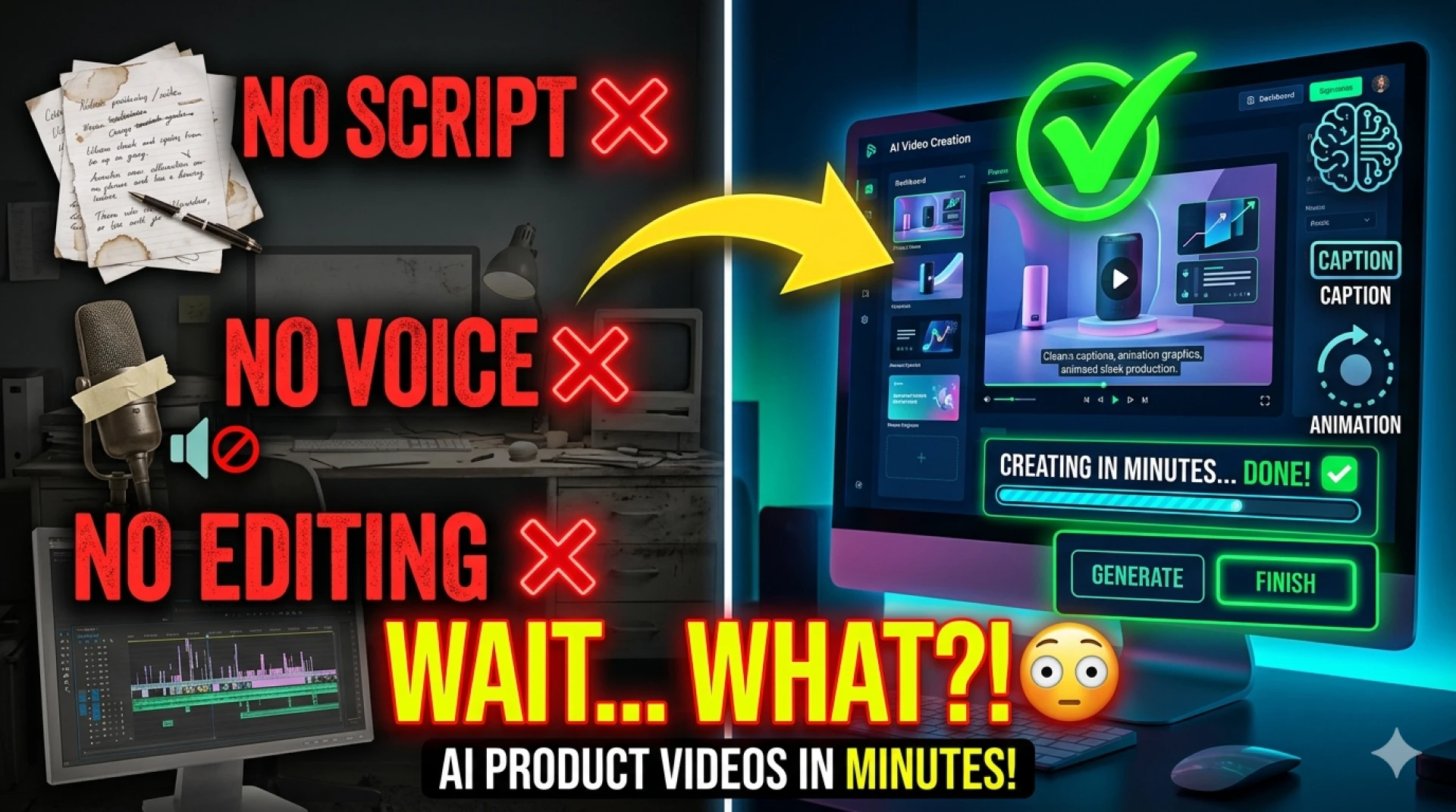
- No script
- No talking
- No retakes
- No editing
I just opened a SaaS product and recorded myself completing a task.
The goal was to see whether AI could turn that raw input into something usable.
Step 1: Recording the Screen (No Voice, No Plan)
I hit record and started using the product like a normal user:
- Navigated through the dashboard
- Clicked into features
- Completed a workflow
The recording was not perfect. There were pauses, small mistakes, and no explanation.
In a traditional workflow, this footage would be unusable without heavy editing.
Step 2: Uploading to AI
I uploaded the recording into VideoMule.ai.
Within moments, the tool started processing:
- Screen interactions
- UI changes
- Click sequences
- Flow of actions
This is where things started to get interesting.
Step 3: AI Generated the Structure
Instead of one long, messy recording, the AI:
- Split the video into clear steps
- Organized actions into a logical sequence
- Created a beginning, middle, and end
It essentially turned a raw recording into a structured tutorial.
This is something you’d normally need a script (or editor) for.
Step 4: Script Writing — Done by AI
Here’s the big test: could it replace script writing?
The AI generated narration like:
- “Click on the dashboard to access your projects”
- “Enter your details and submit the form”
- “Navigate to settings to configure your preferences”
This wasn’t just describing clicks—it was explaining intent.
Verdict on Script Writing
Yes—with a caveat.
- For simple to moderately complex workflows → AI works very well
- For advanced, strategic, or storytelling content → you may still need edits
But for tutorials? It’s more than enough.
Step 5: Voiceover — No Mic Needed
Next came voiceover generation.
The AI added:
- Natural-sounding narration
- Proper pacing
- Clear pronunciation
I didn’t record a single word.
Verdict on Voiceovers
Mostly yes.
- Great for tutorials and demos
- Consistent and fast
- No background noise or retakes
However:
- It may lack emotional tone for storytelling videos
- Brand-specific voice styles may need tweaking
Still, for 90% of SaaS use cases, it works perfectly.
Step 6: Final Output
The final video included:
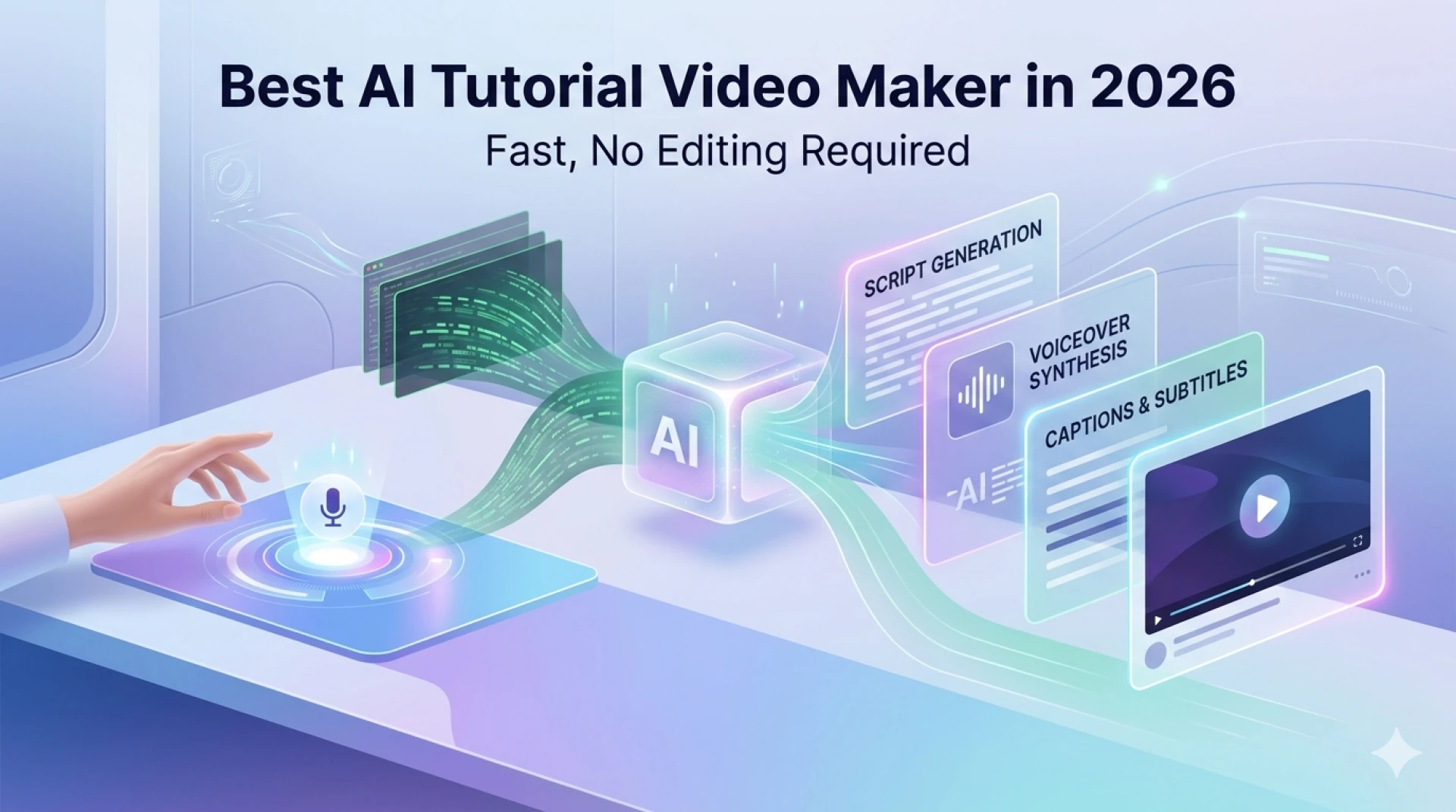
- Structured steps
- AI-generated script
- Voiceover
- Clean transitions
What started as a silent recording became a usable tutorial video.
And it took just a few minutes.
Where AI Replaces Humans (And Where It Doesn’t)
Let’s break it down honestly.
What AI Replaces Completely
- Basic script writing
- Voiceover recording
- Initial video structuring
- First draft of tutorials
What AI Partially Replaces
- Content clarity (may need minor edits)
- Tone and branding
- Step sequencing for complex flows
What Still Needs Humans
- Strategic messaging
- Storytelling
- Conversion-focused scripts
- Brand personality
Real Benefits I Noticed
1. Speed
What normally takes hours took minutes.
2. Zero Friction
No need to:
- Write
- Record
- Edit
3. Scalability
I could easily create:
- 5–10 tutorials in the time it used to take for one
4. Consistency
Every video followed a structured format automatically.
Where This Works Best
This approach is ideal for:
SaaS Tutorials
Feature walkthroughs and onboarding guides
Help Center Content
Replacing long documentation with videos
Internal Training
Quick process videos for teams
Product Demos
Simple, clear feature explanations
Where It Falls Short
Let’s not oversell it.
- Complex multi-step workflows may need cleanup
- Emotional storytelling isn’t strong
- Brand tone may feel generic
But again—this is a starting point, not the final layer.
The Bigger Shift
This test made one thing clear:
The role of humans is changing.
Before:
You created everything from scratch.
Now:
You record → AI creates → you refine.
That’s a massive productivity shift.
Final Verdict
So, can an AI screen recorder replace script writing and voiceovers?
Short Answer:
Yes—for most tutorial and onboarding use cases.
Long Answer:
- It replaces 70–90% of the work
- You still refine the final output
- But the heavy lifting is gone
If you’re still doing everything manually, you’re spending time where you don’t need to.
Conclusion
This wasn’t just a feature test—it was a workflow test.
And the result is clear:
You don’t need to start with a script anymore.
You don’t need to record your voice anymore.
You just need to record your screen.
Tools like VideoMule.ai take care of the rest—and they do it surprisingly well.
FAQs
1. Can AI fully replace script writing?
For tutorials and demos, yes. For storytelling or marketing-heavy scripts, some manual editing is still needed.
2. Is AI voiceover good enough for professional videos?
Yes, especially for SaaS tutorials and onboarding. It’s clear, consistent, and fast.
3. Do I need to record audio at all?
No. Silent screen recordings are enough for AI to generate a full video.
4. How accurate is the AI-generated script?
It’s highly accurate for UI-based workflows, though minor edits may improve clarity.
5. Who should use AI screen recorders?
- SaaS teams
- Marketers
- Support teams
- Content creators
6. How much time does it save?
It can reduce video creation time from hours to minutes.
7. Is this better than traditional video creation?
For speed and scalability—yes. For creative storytelling—traditional methods still have an edge.









Sign in to leave a comment.